Works with all major TV brands
Experience the best mirroring technology available.
Crystal clear streaming up to 4K resolution for immersive viewing.
Real-time mirroring with ultra-low latency for gaming and work.
Compatible with all major TV brands, Roku, Chromecast, and Fire TV.
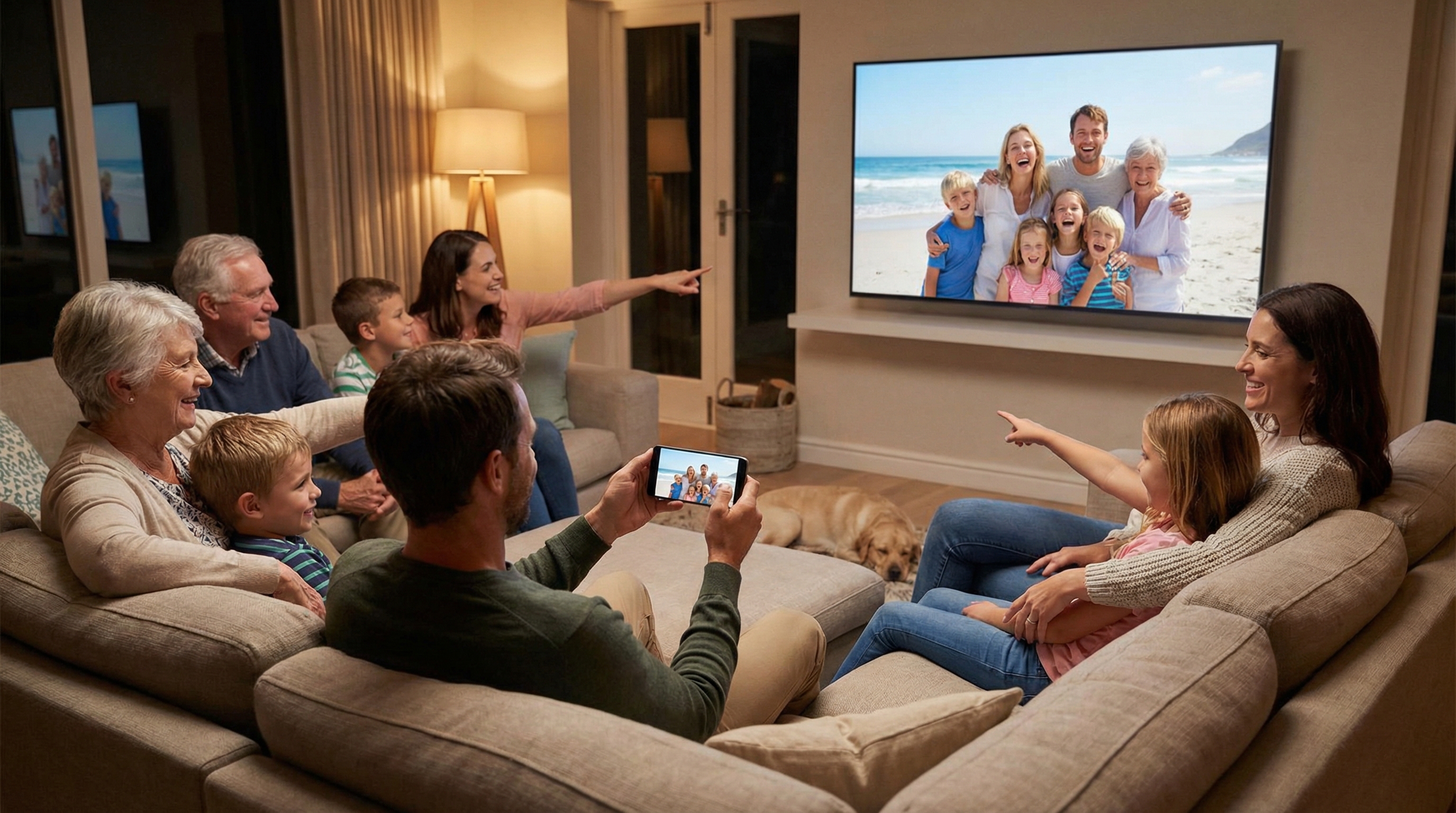
Transform your living room into a movie theater. Stream your favorite movies, series, and videos in high definition directly from your phone to your TV.
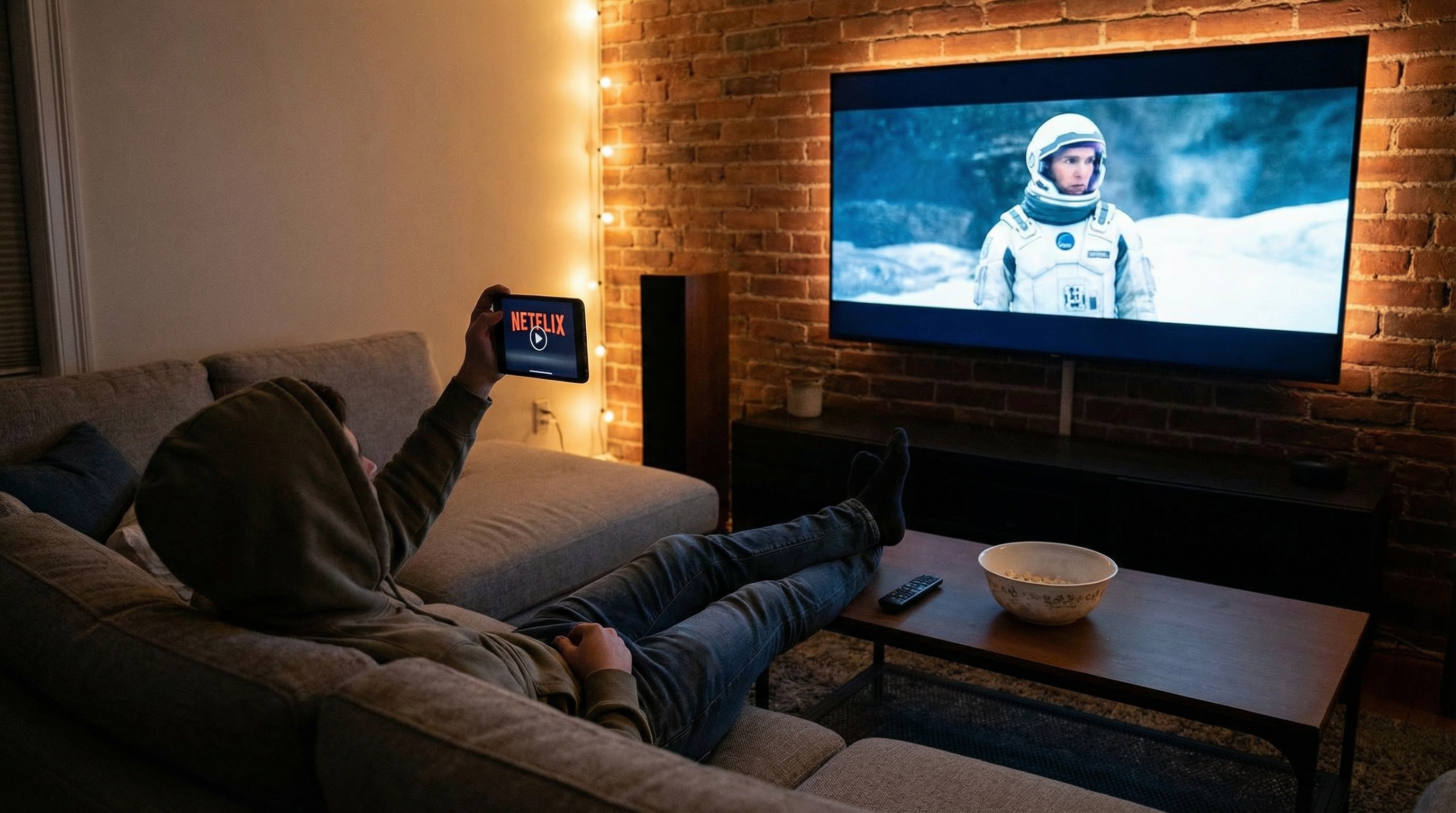
Relive your best moments with family and friends. Cast your photo gallery and home videos directly to the big screen with a single tap.
Impress your colleagues by mirroring your presentations, spreadsheets, and documents directly from your phone in the conference room.
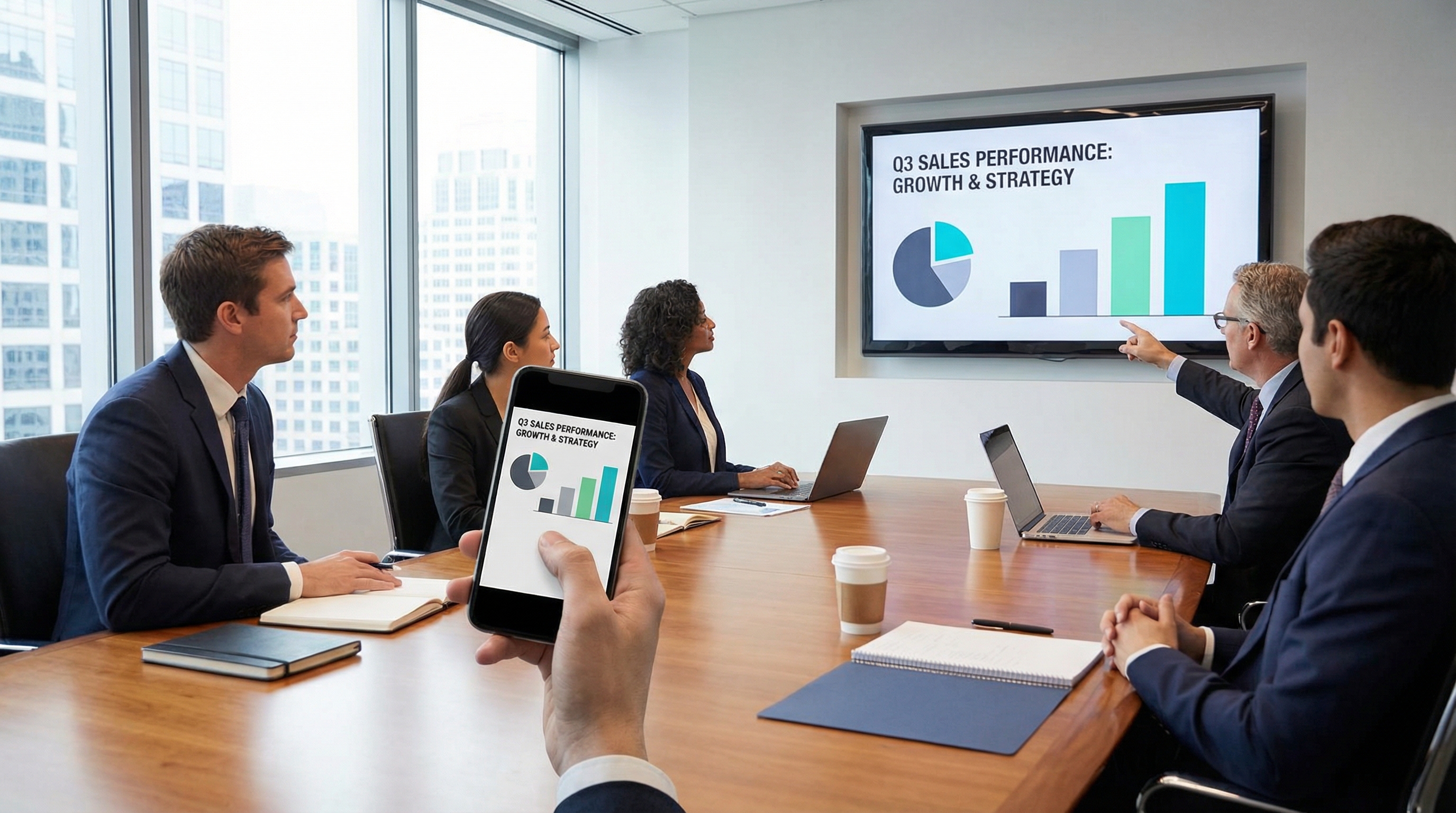
Start mirroring in less than 1 minute.
Ensure your phone and TV are connected to the same Wi-Fi network.
Open the app and select your TV from the list of available devices.
Tap "Start Mirroring" to instantly cast your screen to the TV.
Join thousands of happy users.
"Finally an app that actually works without lag! I use it for gaming every day."
"So easy to use. I showed my vacation photos to my family on the TV and it looked great."
"A lifesaver for work presentations when the projector dongle is missing."
"Perfect for streaming my workout videos on the big screen. Love it!"
"My kids love watching their tablet games on the TV. Super simple setup!"
"Finally an app that actually works without lag! I use it for gaming every day."
"So easy to use. I showed my vacation photos to my family on the TV and it looked great."
"A lifesaver for work presentations when the projector dongle is missing."
"Perfect for streaming my workout videos on the big screen. Love it!"
"My kids love watching their tablet games on the TV. Super simple setup!"
Here's everything you need to know about Screen Mirroring.
If we missed anything, just give us a shout!
Screen Mirroring allows you to cast your smartphone's screen to a TV or other display in real-time. It's perfect for sharing photos, playing games, or presenting documents on a larger screen.
The app uses your local Wi-Fi network to establish a connection between your phone and TV. Once connected, it captures your phone's screen and streams it to the TV with minimal latency.
Yes, absolutely. The connection is established directly over your local Wi-Fi network. Your screen data is not sent to any external servers, ensuring your privacy and security.
The basic screen mirroring features are free to use. We may offer premium features for advanced users, but the core functionality is accessible to everyone.
Screen Mirroring works with all major smart TV brands including Samsung, LG, Sony, Vizio, TCL, Hisense, and Philips. It also supports streaming devices like Roku, Fire TV, and Chromecast.
Yes, for the best experience, both your phone and TV should be connected to the same Wi-Fi network. This ensures a stable connection with minimal latency for smooth streaming.
Yes! Screen Mirroring supports audio streaming along with video. You can watch movies, play games, or listen to music with full audio output on your TV.
A slight delay can occur due to network conditions. For the best performance, ensure both devices are close to your router and that no other devices are heavily using the network. Our app is optimized for ultra-low latency.
Yes, you can continue using your phone normally while mirroring. Everything you do on your phone screen will be displayed on your TV in real-time.
Still have questions?
Contact Us